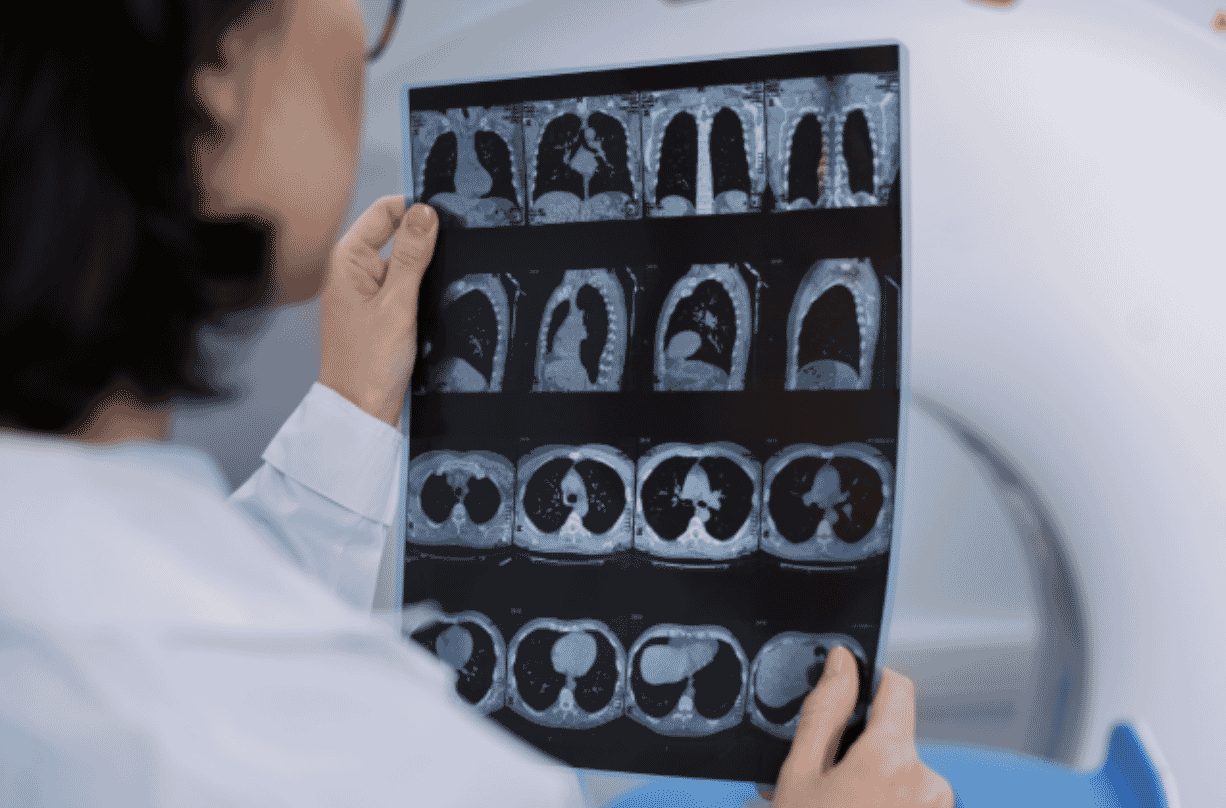
From CT Scan to Patient-Specific Phantom, No Segmentation Needed
Digital Anatomy Twin™ is software that converts CT DICOM data directly into 3D printable, patient-specific phantoms, with no manual segmentation required. It keeps the full voxel-level detail of the original scan, so the printed phantom shows realistic radiopacity and clear contrast between structures under medical imaging.
For imaging teams, researchers, medical device developers and educators, that means a quicker, simpler route from scan to physical model. This post explains how it works, what makes it different from traditional workflows, and where it can be used.
What is Digital Anatomy Twin™? 🩻
Digital Anatomy Twin™ is a software tool that turns CT DICOM data into print-ready files for patient-specific anatomical phantoms. It is included with the Digital Anatomy Creator software licence, is available within GrabCAD, and supports the J5, J750 and J850 Digital Anatomy printers.
Traditional workflows rely on manual segmentation, where each structure is separated out and assigned a material by hand. That process can lose critical anatomical detail along the way. Digital Anatomy Twin™ takes a different approach: it works from the original voxel-level information in the scan, so nothing is discarded before printing.
The result is a phantom with realistic radiopacity and anatomical precision, giving true visibility and contrast between structures under medical imaging.
What are the key benefits?
Faster from scan to print. Digital Anatomy Twin™ removes manual segmentation, material selection and mapping, making it far simpler to prepare imaging data for 3D printing.
Realistic under imaging. The software maps each voxel’s density to a calibrated blend of RadioMatrix™ and supported Digital Anatomy materials. The printed phantom therefore reproduces realistic radiopacity under CT.
Patient-specific by design. Instead of generic, standardised phantoms, you get customised, anatomically relevant models derived directly from CT DICOM data.
Consistency you can count on. Phantoms are consistent and reliable, which makes them suitable for repeat use across education, research, validation and equipment testing.
How do you go from CT scan to patient-specific phantom?
There are three simple steps, with no manual segmentation, no manual material mapping and no complex model preparation.
- Prepare DICOM. Import your anonymised CT DICOM series and instantly validate the scan metadata and consistency.
- Map. The software automatically maps CT voxel values to PolyJet material combinations and generates a print-ready file.
- Print. Send the file to your Digital Anatomy printer and produce a phantom with realistic, voxel-level radiopacity.
What can Digital Anatomy Twin™ be used for?
The key applications are:
- Imaging optimisation: printing realistic phantoms to fine-tune scan protocols and image quality.
- Imaging and device development: testing equipment and devices against anatomically accurate models.
- Training and research: giving clinicians, students and researchers realistic, repeatable models to learn and validate with.
It works with the J5, J750 and J850 Digital Anatomy printers and is available within GrabCAD as part of the Digital Anatomy Creator software licence.
Frequently asked questions 💭
Do I need to segment my CT scan before 3D printing? No. Digital Anatomy Twin™ converts CT DICOM data directly into a print-ready file, so manual segmentation is not required.
Which printers does Digital Anatomy Twin™ support? It supports the J5, J750 and J850 Digital Anatomy printers.
How does the phantom look under medical imaging? The software maps each voxel’s density to a calibrated blend of RadioMatrix™ and supported Digital Anatomy materials, so the phantom reproduces realistic radiopacity under CT.
Is Digital Anatomy Twin™ sold separately? No. It is included with the Digital Anatomy Creator software licence and is available within GrabCAD.
What kind of data does it need? An anonymised CT DICOM series. The software validates the scan metadata and consistency on import.
Can I reuse the phantoms? Yes. Phantoms are designed to be consistent and reliable for repeat use in education, research, validation and equipment testing.
Skip the segmentation. Print the patient.
Digital Anatomy Twin™ makes it quicker to move from CT scan to a realistic, patient-specific phantom, without losing the anatomical detail that matters. If you would like to see how it could fit into your imaging, research or training workflow, get in touch with our team to arrange a conversation.
New to 3D
Printing or looking
for some support?
- Call: 01782 814551
- Email: info@tritech3d.co.uk