Simplifying Fixture Design with Additive Manufacturing
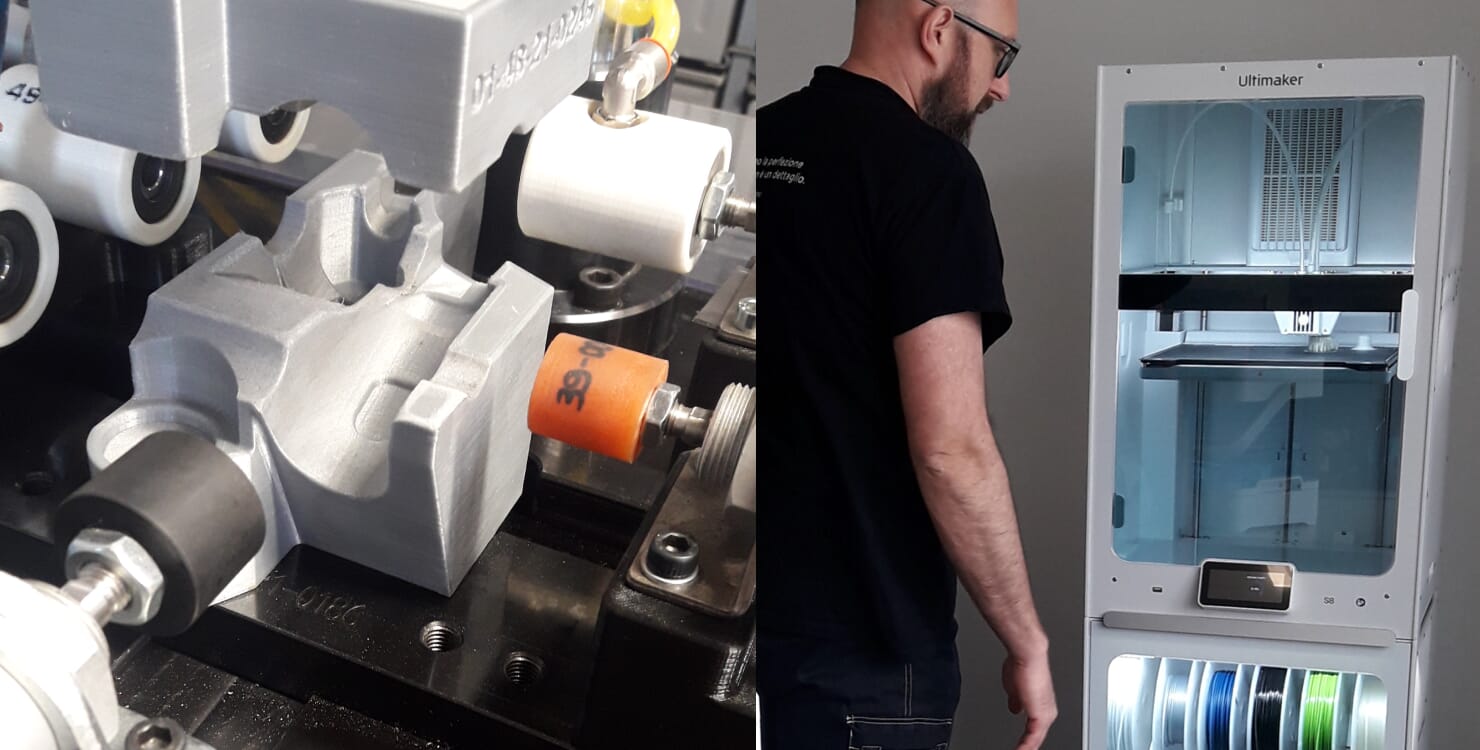
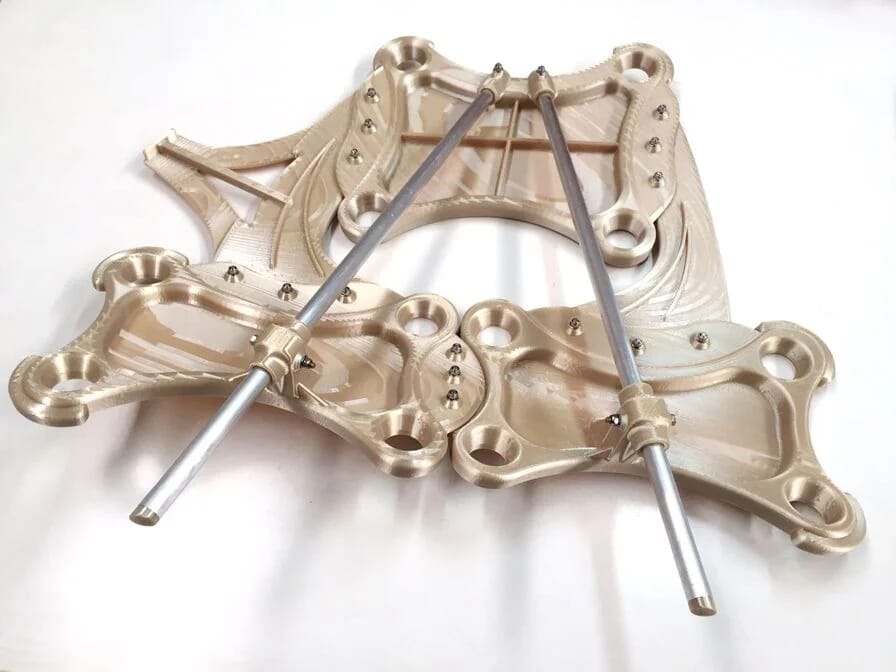
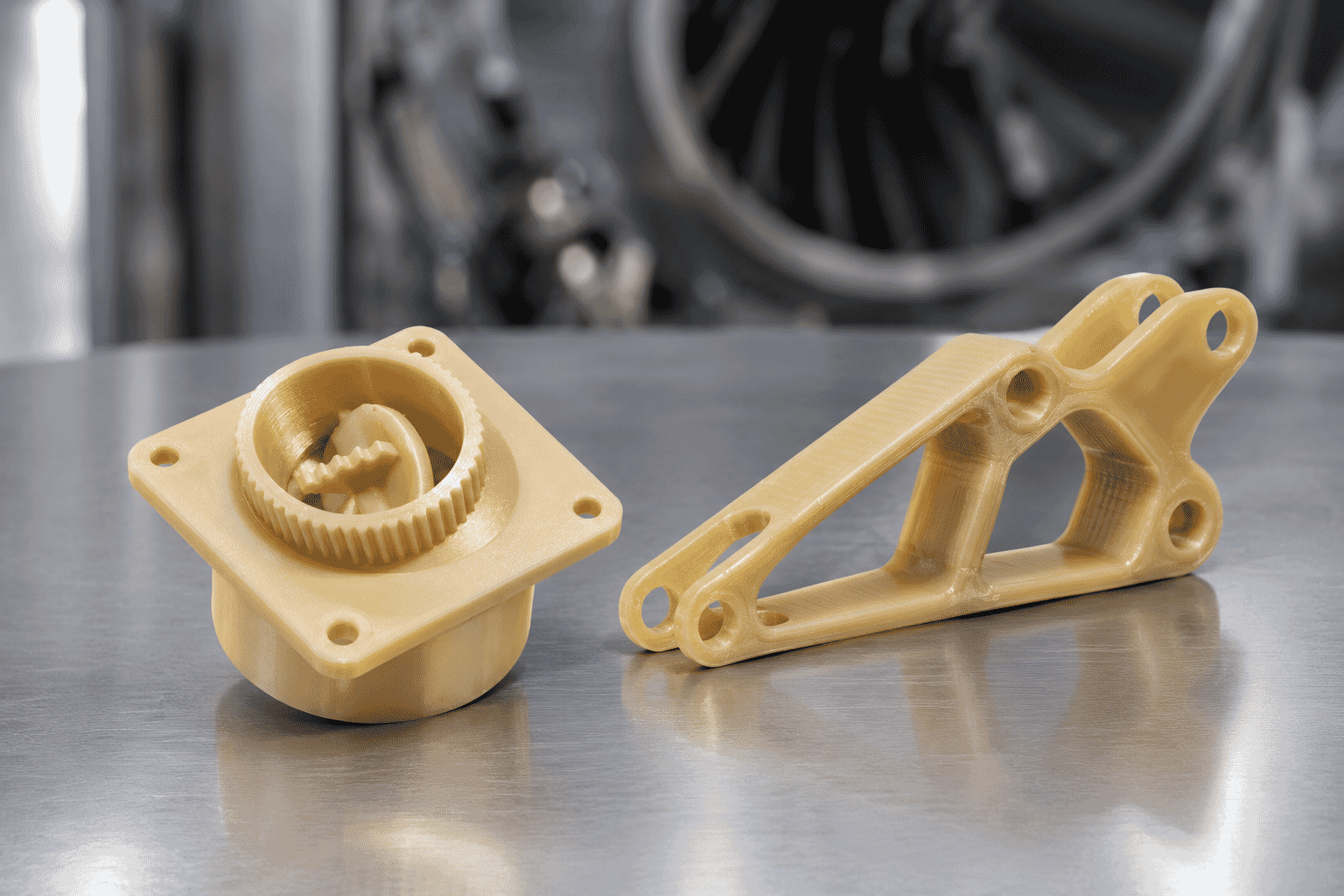
3D printing has become a valuable tool for manufacturers looking to produce much more than end-use parts. Jigs, fixtures, tooling and other manufacturing aids can all be produced using additive manufacturing, often giving teams a faster and more flexible way to create the supporting components they need throughout production.
But while producing a fixture with a 3D printer can be relatively straightforward, designing one can still require specialist CAD skills and valuable engineering time. For simple, application-specific fixtures, this can create an unnecessary bottleneck.
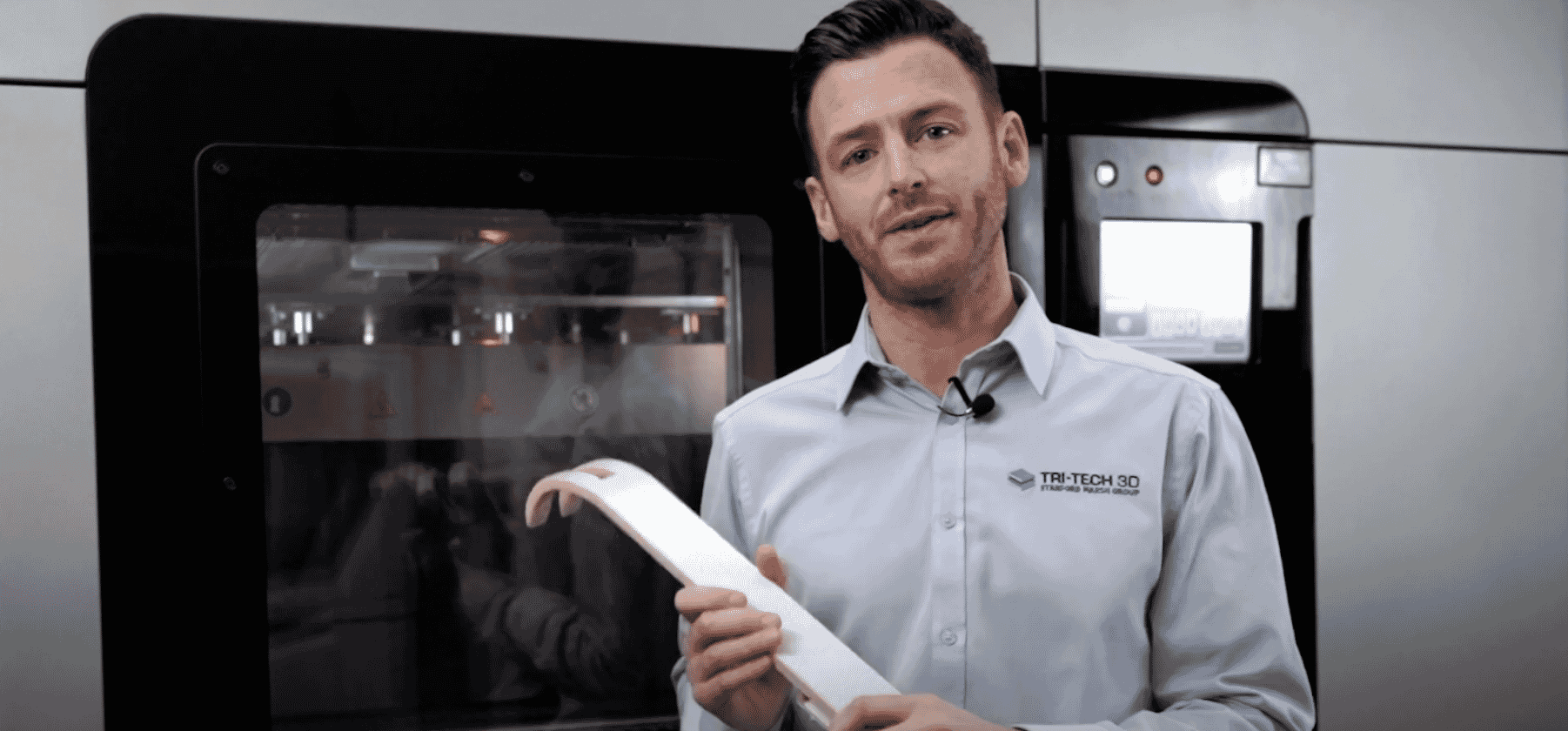
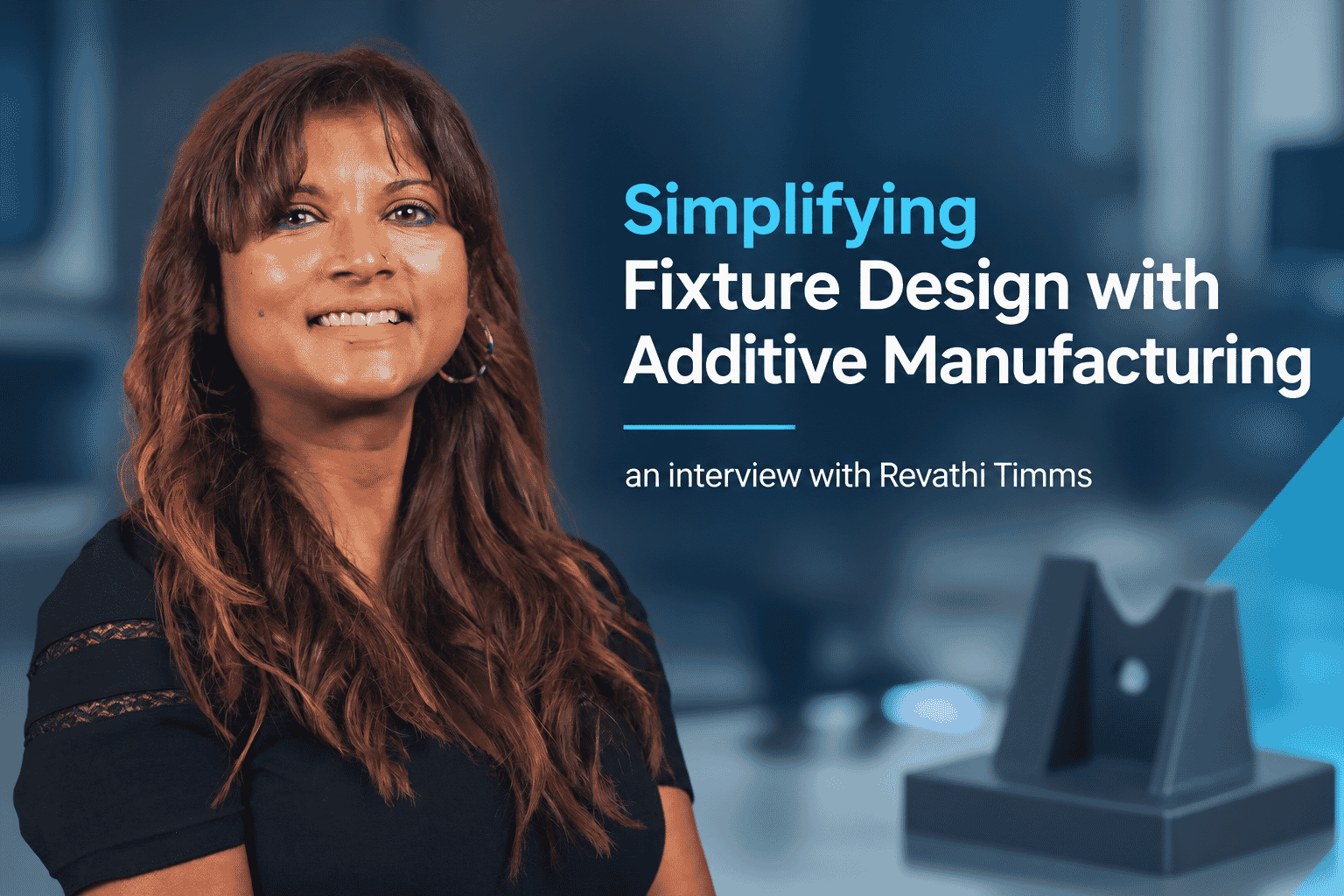
Stratasys FixtureMate takes a different approach. Integrated into GrabCAD Print Pro, the software provides a guided workflow for creating customised fixtures without requiring users to be advanced CAD designers. So, where does FixtureMate fit alongside traditional CAD and how does it work? We spoke to Revathi Timms, 3D Software Specialist here at Tri-Tech 3D, to find out.
What is Stratasys FixtureMate?
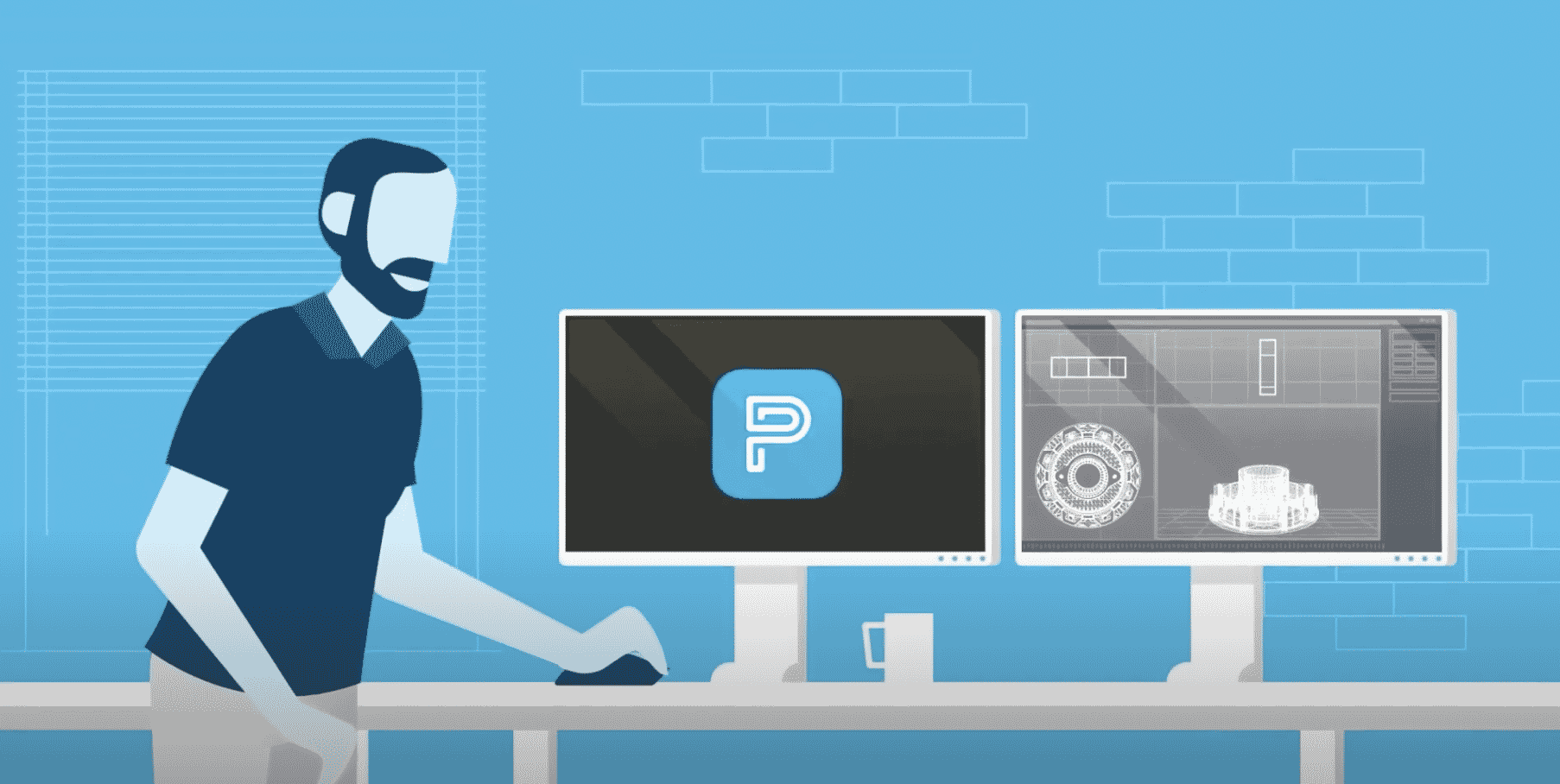
FixtureMate is a fixture design tool integrated into GrabCAD Print Pro, designed to make the creation of simple, application-specific fixtures more accessible. Rather than starting with a blank CAD environment, users begin with the component or workpiece they need to support and work through a guided process to create a customised fixture.
As Revathi explains: “For me, the real opportunity isn’t simply printing the part – it’s looking at everything around the part that could be designed and manufactured using additive.”
For simpler fixtures, this approach can allow someone in the manufacturing environment to create what they need without requiring advanced CAD skills. “You can start with the component or workpiece and use a guided workflow to create a customised fixture ready for 3D printing, without needing to be an advanced CAD user.”
How does FixtureMate fit alongside CAD?
FixtureMate isn’t intended to replace professional CAD software. For complex, highly bespoke tooling and engineering components, advanced CAD platforms such as Autodesk Fusion remain an important part of the design process.
However, not every fixture needs that level of design capability. For simpler or repetitive applications, using a full CAD package can mean involving specialist design resources for a task that may not require them.
As Revathi puts it: “It’s not really CAD versus FixtureMate. It’s about using the right tool for the job.”
FixtureMate can therefore complement existing CAD workflows, giving manufacturing teams another option for simpler fixture requirements while allowing experienced designers to focus on more complex engineering work. “Customers have told me that this is helping them save significant amounts of engineering time and cost.”
What does a typical FixtureMate workflow look like?
FixtureMate uses a guided workflow to simplify the fixture design process:
- Import your CAD data
Start with the workpiece you want to create a fixture for. FixtureMate supports STL, 3MF, SLDPRT and STEP files. - Define the baseplate
Choose between a standard manufactured baseplate or a completely 3D-printed option. - Generate support structures
Create rectangular, cylindrical, conical or custom-shaped structures around the workpiece. - Create a negative
Subtract the workpiece geometry from the support structures to create a nested geometry. Offsets can be adjusted to achieve the required fit. - Add components
Add features such as clamps, text labels, holes and cut-outs. - Export for manufacturing
Export STL files ready for 3D printing, along with PDFs of 2D drawings to help communicate assembly requirements. The guided approach means a simple fixture can potentially be created very quickly. When Revathi first used the software, she was able to create one in around 10 minutes.
Do I need CAD experience or formal training?
FixtureMate is designed to make simple fixture creation more accessible to people without specialist CAD skills. It is integrated directly into GrabCAD Print Pro, which is available through the GrabCAD Print desktop application. For organisations with specific IT or data security requirements, GrabCAD Print also provides an Offline Mode. Stratasys provides installation guidance, tutorials, system requirements and technical support to help users get started.
“If I can follow the workflow and create something useful in that amount of time, it really helps me demonstrate to my customers that you don’t necessarily need to be a CAD expert to start creating simple fixtures.”
This could reduce reliance on specialist designers for straightforward requirements while giving manufacturing and engineering teams greater flexibility.
What can you create with FixtureMate?
FixtureMate can be used for a range of simple, application-specific fixtures and manufacturing aids, including:
- Assembly fixtures
- Inspection and measurement fixtures
- Machining fixtures
- Welding fixtures
- Component handling aids
The opportunity isn’t necessarily about replacing every traditionally manufactured fixture. Instead, it’s about looking at the everyday tooling used throughout a manufacturing environment and asking whether additive manufacturing could provide a faster or more flexible way of producing it.
“I think the real opportunity is identifying those everyday manufacturing aids that are currently being designed or manufactured using more traditional methods and asking, ‘Could we 3D print this instead?’”
FixtureMate is integrated into GrabCAD Print Pro, allowing completed designs to move directly into print preparation. Designs can also be exported for use with other manufacturing software, providing flexibility across different manufacturing technologies and processes.
What are the benefits?
For manufacturers, the potential benefits include:
Saving engineering time: simpler fixture requirements can be created without a lengthy design process.
Reducing costs: specialist CAD resources and software licences can be reserved for applications that genuinely need them.
Making fixture design more accessible: manufacturing and engineering teams can have greater autonomy to create application-specific tooling.
Freeing up specialist designers: experienced CAD users can focus on more complex engineering work.
Creating customised tooling on demand: additive manufacturing provides a flexible way to produce bespoke fixtures when they are needed.
As Revathi mentions, these benefits come down to three key areas:
“For me, the biggest benefits are saving time, reducing engineering costs and making fixture design more accessible.”
A real-world example
FixtureMate has also been demonstrated in a real manufacturing application. A leading engineering company used the software to create a bespoke holding fixture for measurement purposes, which was demonstrated at this year’s MACH show at the NEC, Birmingham.
The fixture could be manufactured either through machining or 3D printing on a Stratasys FDM system, demonstrating the flexibility of the design and its potential manufacturing routes. It also highlights the wider opportunity behind FixtureMate: making it easier for manufacturers to look at existing tooling and consider where additive manufacturing could provide a practical alternative.
How can you identify the right applications?
For businesses considering FixtureMate, the starting point should be the existing fixture design process. How much time is currently spent designing fixtures? Who is responsible for that work? Which fixtures require specialist CAD expertise and which could potentially be created more simply?
“This helps identify where there may be an opportunity to save time.”
From there, businesses can test FixtureMate against real applications and compare the time taken using the software with their current design process. The aim isn’t to replace professional CAD systems. FixtureMate provides another tool that can complement existing workflows and offer a faster option for simpler, repeatable or application-specific fixtures.
Try Stratasys FixtureMate for yourself
The best way to understand whether FixtureMate could benefit your manufacturing workflow is to test it against your own applications.
Tri-Tech 3D can help you explore how FixtureMate could fit into your existing workflow and identify potential opportunities for additive manufacturing. A 30-day trial gives you the opportunity to test the software against real-world fixture requirements and compare it with your current design process.
Interested in trying Stratasys FixtureMate?
Contact Revathi to request your 30-day trial: revathi@tritech3d.co.uk
See how quickly you could go from component to customised fixture with Stratasys FixtureMate!
New to 3D
Printing or looking
for some support?
- Call: 01782 814551
- Email: info@tritech3d.co.uk